Development

Create stepped navigation with arrows using HTML + CSS

In this tutorial I will show you how to create a stepped navigation with arrows using HTML and CSS which works in all major browsers. It is useful to show a user a stepped process such as a multi part form where there is more than one step that needs to be filled in.

Creating a grid of images for an album in Drupal 6 with pagination

Following on from the original tutorial on creating a grid of images for an album in Drupal 6, a few people asked how to add pagination on to this for large albums.

Unfortunately from what I can tell Drupal's pagination function only works with SQL queries so we are unable to use the existing data available in the node object. But due to Drupal's nice database schema, it is very simple to write some simple SQL to give us the pager.

Create a cartoon style cloud in Photoshop

This tutorial will teach you how to make a basic cartoon cloud in Photoshop. The tutorial should be suitable for beginners.

Create a basic layout using HTML & CSS

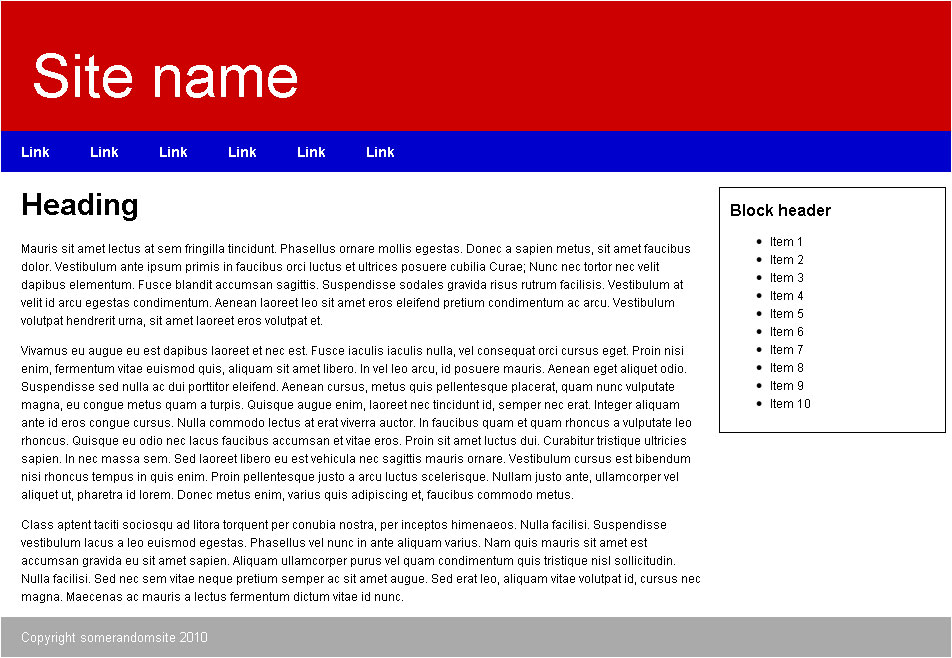
Following on from the Guide to classes and ids in HTML and CSS, we will create this basic 2 column layout.

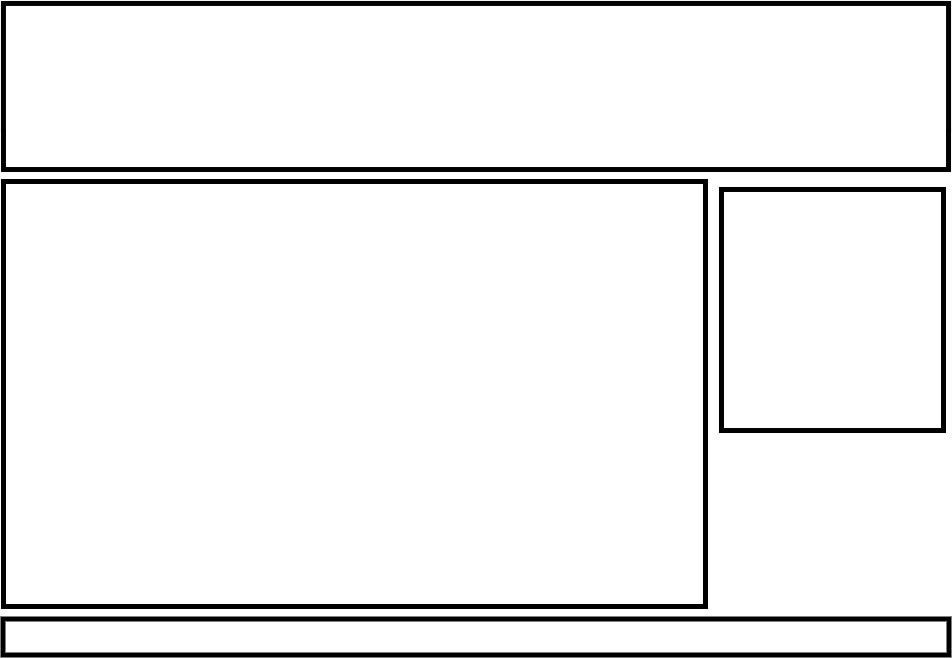
Before we delve in to HTML and CSS, you need to understand the basic structure of the page to know how to write your HTML. To do this, on paper or Photoshop draw out the basic layout.

With the basic wireframe of the site you can now write out the basic HTML.

Guide to classes and id's in HTML & CSS

Classes

A class can be applied to any HTML element to allow you to easily target it using CSS to add styling and change the way it is presented to the user. In CSS classes are selected using a full stop followed by the name of the class.

Open source intranet solution - Open Atrium

Open Atrium is an open source intranet package that uses Drupal as it's underlying framework.

Create a Drupal 6 theme based on the Zen starter theme

What is Zen?

Taken from the Zen project page:

Zen is the ultimate starting theme for Drupal. If you are building your own standards-compliant theme, you will find it much easier to start with Zen than to start with Garland or Bluemarine. This theme has fantastic online documentation and tons of code comments for both the PHP (template.php) and HTML (page.tpl.php, node.tpl.php).

Why use Zen?

Zen gives a great framework for you to work from as a lot of the hard work in making the default Drupal CSS rules easier to customise as well as having a starter kit for you to modify giving you the basics to create your own theme without needed to mess around with the in's and out's of Drupals theming system.

Top HTML/CSS resources for beginners

A strong knowledge of HTML and CSS is pivotal for all other web design or development work. It provides you with knowledge of how to structure a web page and best practices to create a well supported website across all major browsers.

Basic tips for amateur web designers

Content is king

Search engines (Google, Bing, Yahoo) all rank your site based on your content. You need to make sure your content has the keywords that you expect people to search to find you are in your content.

This text has to be in HTML. A common problem on the web especially from people using things like MrSite (or any other site builder/WYSIWYG editor) is that they find the font they want to use doesn't work on multiple computers. To get around this, they will create images with the text in the image. As far as the search engines are concerned, there is no text there, so it has zero content to index.

[Drupal] An error occured while attempting to process add Content Modal form

When trying to add some content new a pane in Panels in Drupal 5 you may get this message.

In my case it was caused by the Secure Pages module. To fix this add the following line to your Secure Pages configuration under Ignore pages:

*ajax*

Pages

Subscribe to Development