How to add games to the Games panel of Windows Vista
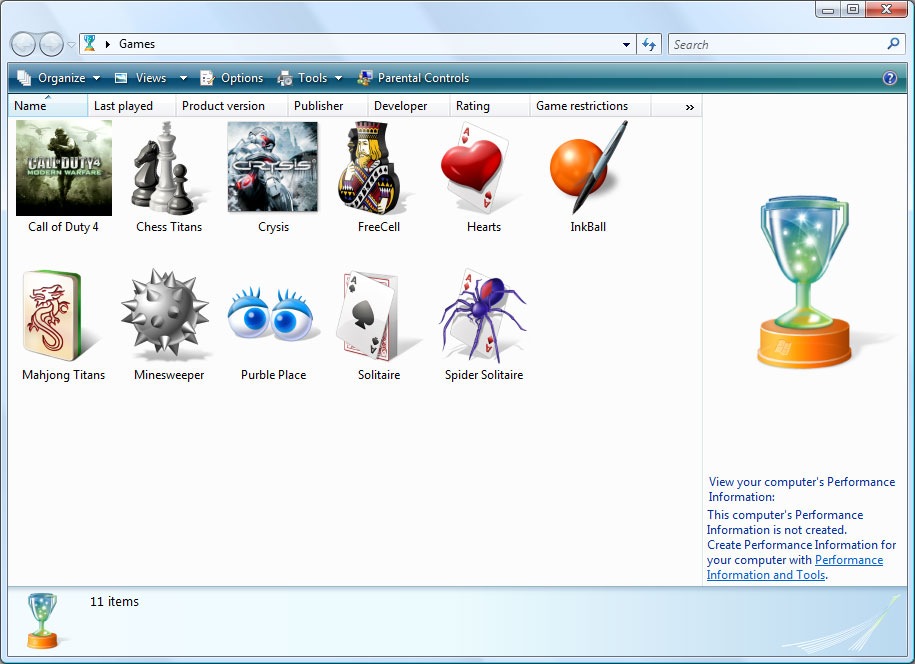
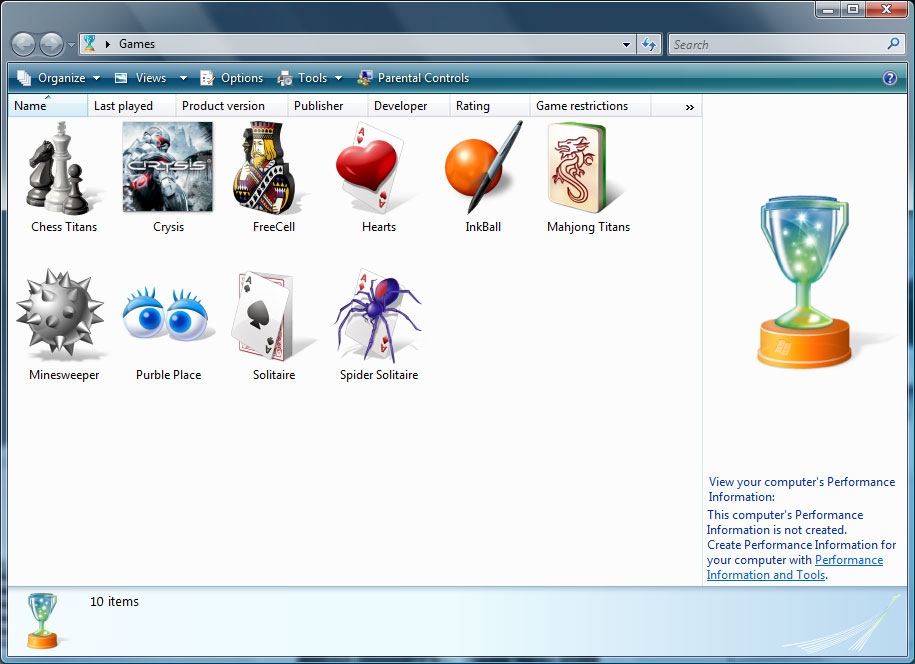
This tutorial will show you how to add a game in to the Games panel in Windows Vista.
For this tutorial I will be adding Call of Duty 4 to the Games panel which is not put on automatically.
Adding a new game
- Go to your start menu and right click on the game you want to add to the list. For this I went to the Activision folder on the start menu and copied the multiplayer shortcut to my desktop.
- With the shortcut selected, press F2. Now rename the shortcut to fit the game, I chose Call of Duty 4.
- Once you have given it the name you want to give it, right click the shortcut and chose Copy.
- Now in the Games panel, right click an empty area and select Paste.
- You will now have a shortcut to Call of Duty 4 or the game you chose in your Games panel.
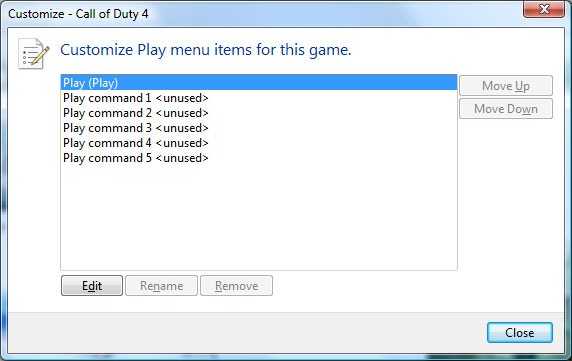
- Right click the new game and select Customize.
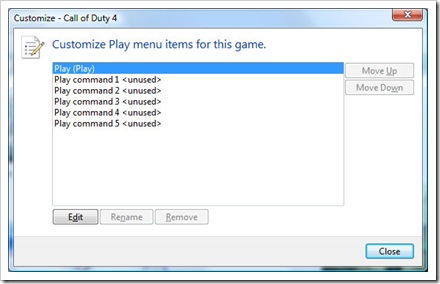
- You will have a new window with the option of adding new options to the shortcut. You can have a maximum of 6 options on each game. By default you will have a simple Play option.
- Select Play and press Edit.
- Go to the General tab and type in Multiplayer. This is where the default points to for my shortcut. If I double click the shortcut it will open Call of Duty 4 Multiplayer.
- Select Play Command 1. Press Add.
- Now browse to the location of the game, this time I chose the Singleplayer exe. Press Next.
- I typed in Singleplayer. But you can type what you want.
- Now if you want to play Mulitplayer you can double click the icon, or if you want to play Singleplayer just right click and select Singleplayer. If you want to make Singleplayer the default, select Singleplayer and press Move Up. The top most command is the default double click command.